
Updating the application
Scoped applications can be updated directly from the ServiceNow instance where you have installed the application, as long as your organization is entitled to the update.
Entitlement is related to Paid applications in the ServiceNow Store. Entitlement can be based on a trial or purchase which usually grants entitlement for 12 months.
If your organization or instances are not entitled to the update, please contact us for more details.
Procedure
- Log in to the instance on which you want to check for updates.
- Navigate to System Applications > All Available Applications > All.
- Find the Data Content Manager application by searching with “DCM”.
- Select the latest version and click the Update button.
After the update
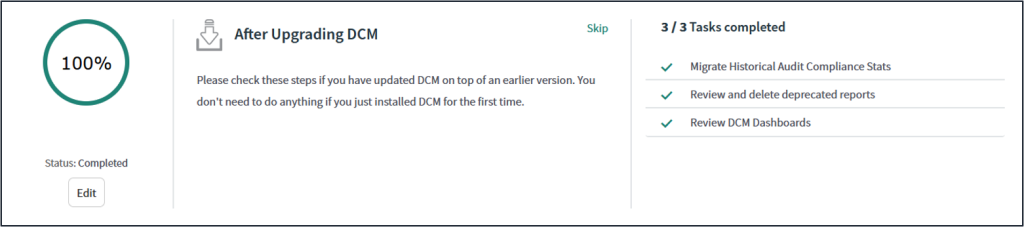
Note! Since DCM R4.4 the Guided Setup also includes an “After update” section which includes the latest instructions per release.
Need assistance?
If you need assistance with the installation or update, you can book a session to go through the update together.
Deprecated configurations
Some of the DCM application-related configurations have been deprecated and are no longer used by the latest versions of the application.
Due to the nature of scoped applications and how they are distributed, updates will not delete any configuration from customer instances. Therefore deletions have to be done manually. The following table lists all configurations (or application files) that can be deleted.
| # | Configuration | Notes | Deprecated in DCM version |
|---|---|---|---|
| 1 | DCM Dashboard | Homepage type of dashboard, replaced with two new responsive dashboards. | DCM R4.0 |
| 2 | DCM Helper | Helper included some items that are no longer needed. | DCM R4.3 |
| 3 | Save Field Plan | Ui action to save Field Plan on Data Content Planner. | DCM R4.4 |
| 4 | Global Submit buttons | Previously DCM usage required small adjustments to UI action conditions. | DCM R4.4 |
| 5 | Deprecated reports | Irrelevant reports deprecated | Several releases |