Ever wondered which DCM version you are currently using? Wonder no more, since you can check it easily from the DCM Home page.
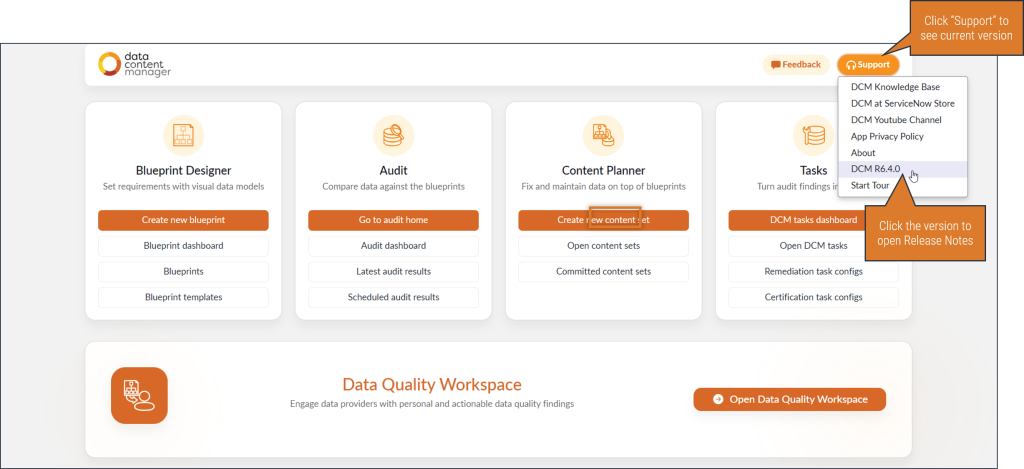
- Go to “DCM Home” from the navigation menu
- Click “Support” from the top-right corner
- “DCM RX.X.X” is the current version
- If you click the version number, you will be directed to DCM Release Notes.
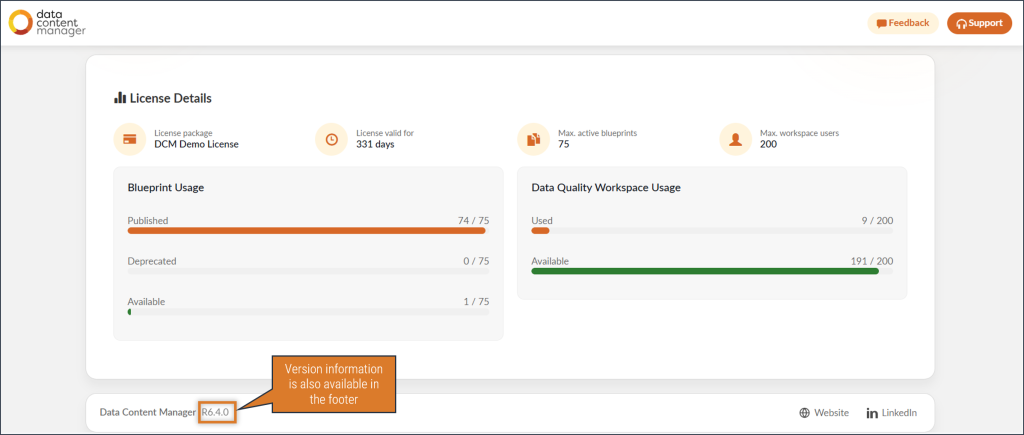
You can also find the version number in the footer of the Home page.